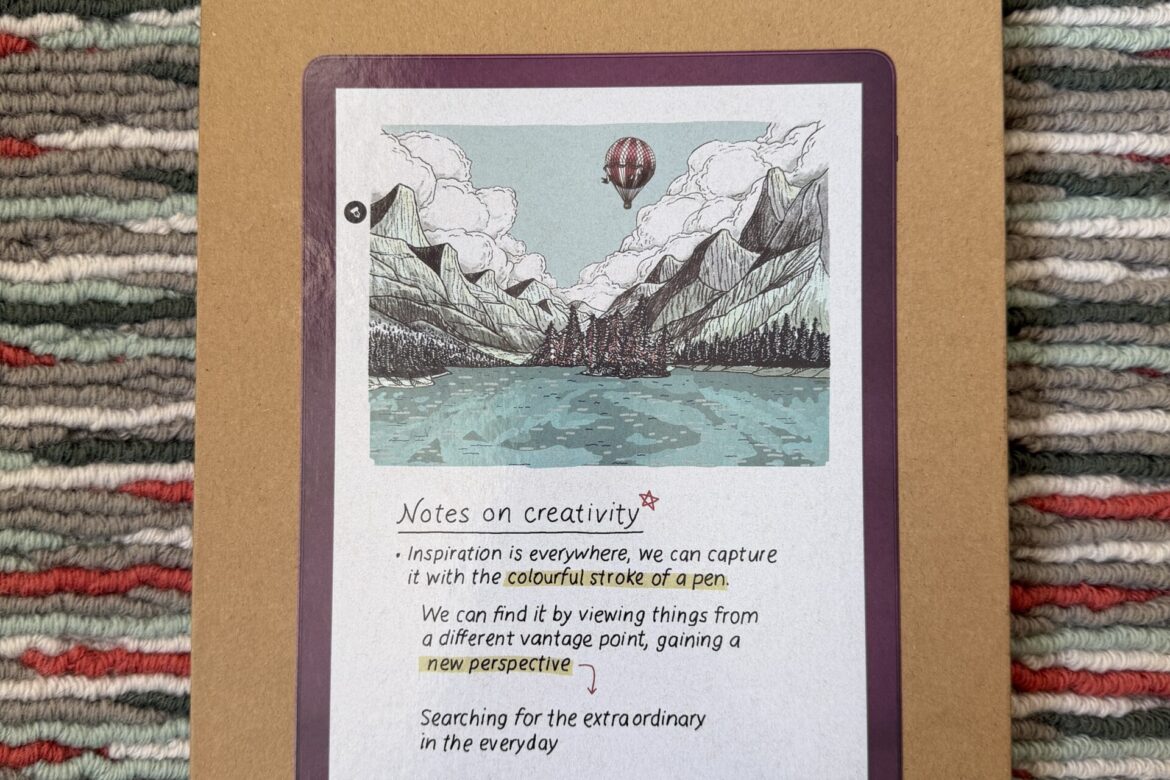
It took a bit of digging, but I've now worked out roughly when I got my first Kobo eReader. My first Kobo eReader was the Kobo Clara HD, which apparently came out in 2018. That means I've used the Clara for close to seven years now. I've used the Clara almost daily, and also really intensively on holidays. These days, to my delight, I read a huge amount. Except that also meant my Clara started struggling. It used to happen occasionally too, where it would just shut off for no reason. I'd then usually get it working again fairly quickly and easily by plugging it into the charger. But the last few times, I only got the Clara working again with a lot of patience (which I don't have) and after quite a few attempts. The charger trick stopped working, and even a hard reset only worked after several tries. So, fairly late one evening, I ordered a new eReader.
How does an eReader like this actually work?

Let's be clear about one thing, by the way: whenever I mention an eReader on this page, for now I mean a Kobo eReader specifically. If I mean something else, I'll say so!
At first I was fairly sceptical about using an eReader. Like a lot of people, I love physically turning pages, and a book just isn't a device in my hands. Except physical books are a pretty pricey hobby. So in the end I gave in, got an eReader, and signed up for a Kobo Plus subscription. On top of that I also scoured the internet for free e-books, and got some books from my own network too. Just be aware that you do need a Kobo Plus subscription to use it. If you have a subscription, you can also load e-book files onto it via your computer. The artificial light is really gentle and also adjustable.
I still enjoy a paper book, but a subscription like that is honestly really handy!
A Kobo Plus subscription

The Kobo Plus subscription is a subscription you sign up for through bol.com. You can choose between three options; reading only, reading and listening, listening only. I still only have the reading subscription, since so far I haven't felt the need for audiobooks. The real question is, is a subscription worth it? Uh, it costs 12 euros a month, and Onyx Storm costs 30 euros as a hardcover. Through Kobo Plus you can read it for free. So if you read that one, you've already made back your first two months.
I'll be honest that I have a bit of a love-hate relationship with Kobo Plus. Sometimes I'm pleasantly surprised by everything that's available, and sometimes I'm absolutely frustrated that some e-books still cost almost 20 euros. Are you good at finding e-book files yourself? Then a subscription is definitely a waste of money. Do your research beforehand on which books are available in your favourite genres!
The Kobo Clara

There are, of course, a huge number of Clara versions. It's Kobo's standard model, but naturally they keep updating it, mostly on the inside. I'll briefly explain what kind of eReader the Kobo Clara actually is. The screen is 6 inches, which is just over 15 cm diagonally. There are two variants, a black-and-white screen and a colour screen. It has a touchscreen, but no physical buttons for controlling your reading. It does, of course, have a physical on/off button. It also doesn't rotate the screen automatically, or actually rotate at all. I've always found it a nice eReader, easy to use and user-friendly.
Kobo Clara BW eReader, Kobo, €149, via Bol.com
The Kobo Libra colour eReader


Even so, I switched to a different eReader. Not entirely for the right reason, because I thought the Kobo Clara currently on sale was smaller than my Clara. That turns out not to be true, they're both the same screen size. What I did read in the reviews of the Kobo Libra Colour, though, is that it had fewer software complaints than the Clara. That was a fairly heavy factor for me. On top of that, I treated myself to an eReader with a bit more comfort of use. Where does that comfort come in? You can read in all four 'orientations' on the Libra. Landscape and portrait, both directions. The control buttons for paging forward or back adjust accordingly too. Really nice. The Libra's screen is also just a bit bigger, 7 inches diagonally. It's nice having a bigger screen, but because of the buttons I also had to get a bit used to the overall size of the eReader. So I also treated myself to the eReader with a colour screen. Is that a huge added value? For me, honestly, not really, but if you're a comic book reader, I definitely think it would be.
So far I'm really happy with my new Kobo Libra Colour eReader. It's a lot faster than I'm used to, and I find the button controls, combined with the screen rotation, a genuine improvement to my reading experience.
Kobo Libra colour eReader, Kobo, €239, via Bol.com